screenshots
see it in action
a tiny app with a big personality. lives in your dock and menu bar, stays out of your way.


menu bar emoji
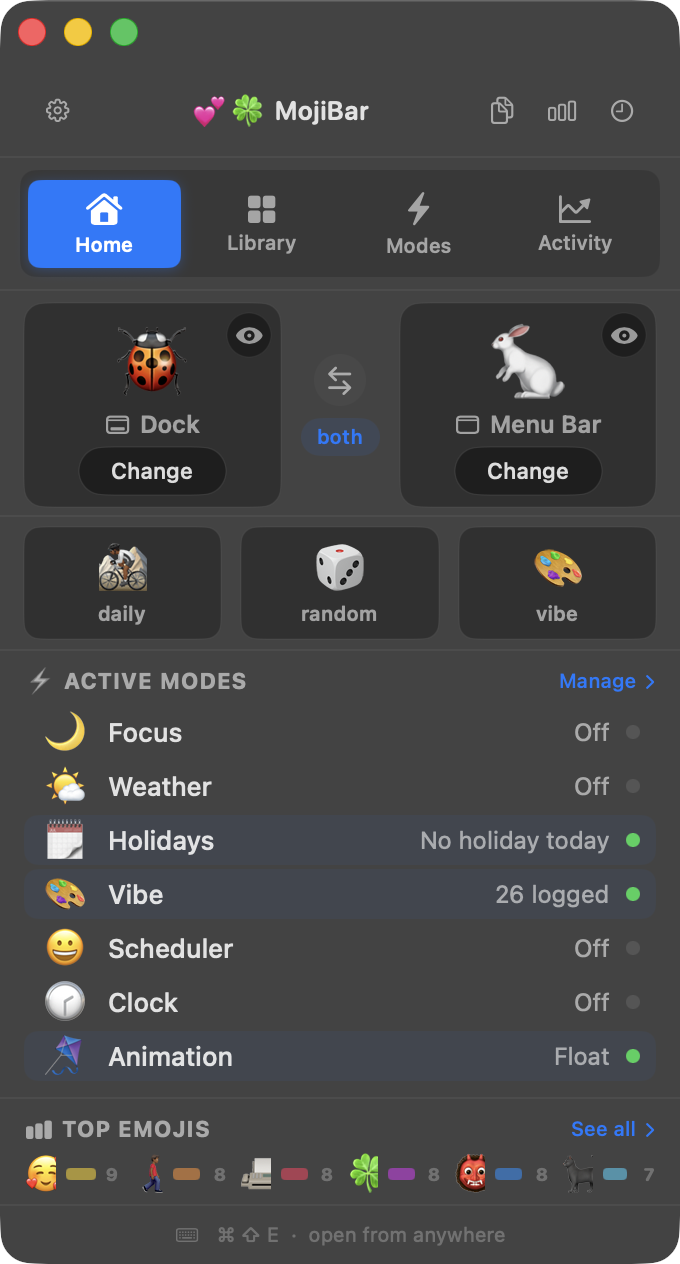
MojiBar lets you set any emoji as your macOS dock and menu bar icon. Change it by vibe, schedule by time, or let it surprise you daily — plus weather, holidays, animations, streaks, and more.
a tiny app with a big personality. lives in your dock and menu bar, stays out of your way.
menu bar emoji
download MojiBar from the Mac App Store. It installs instantly and lives in your dock and menu bar.
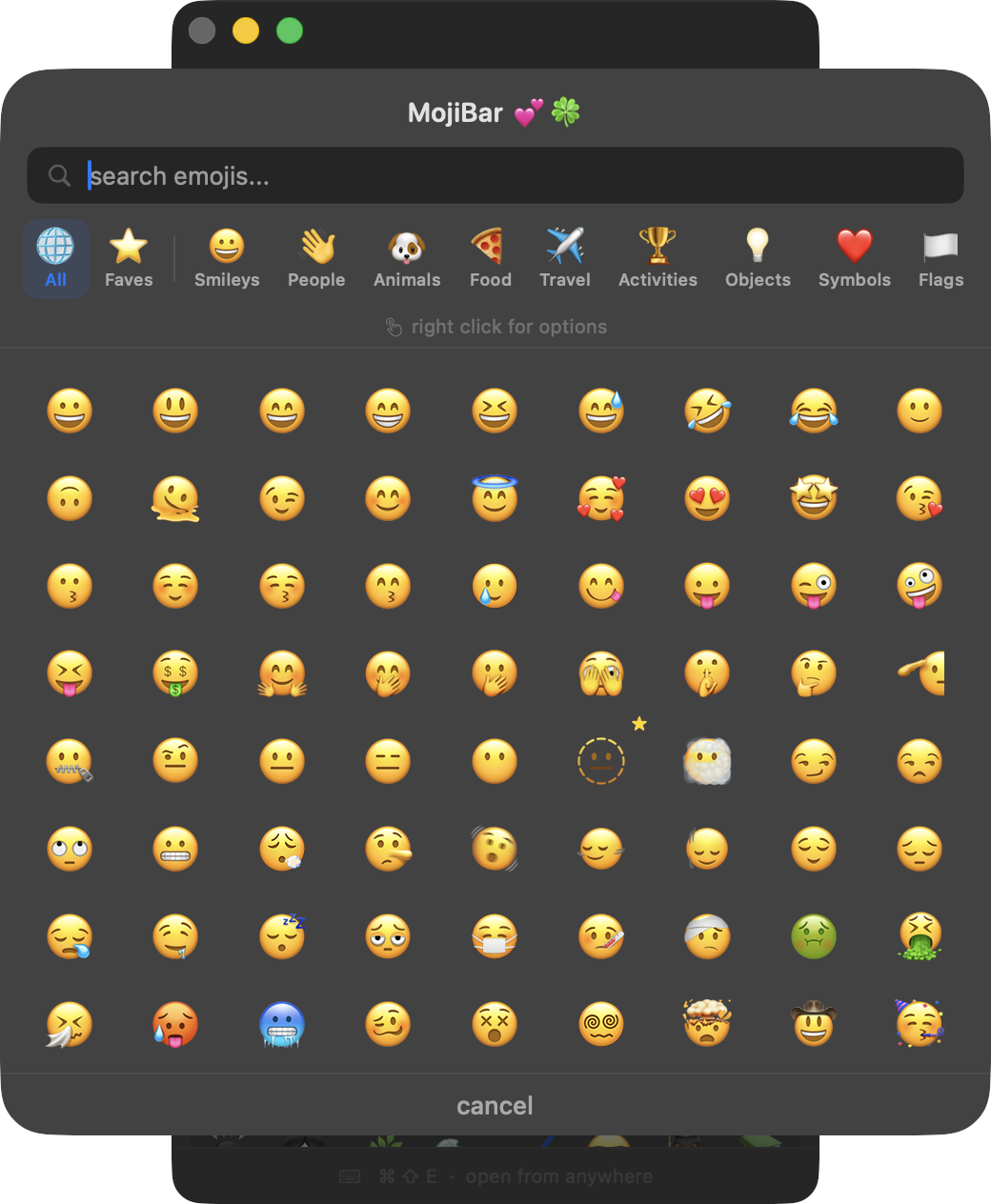
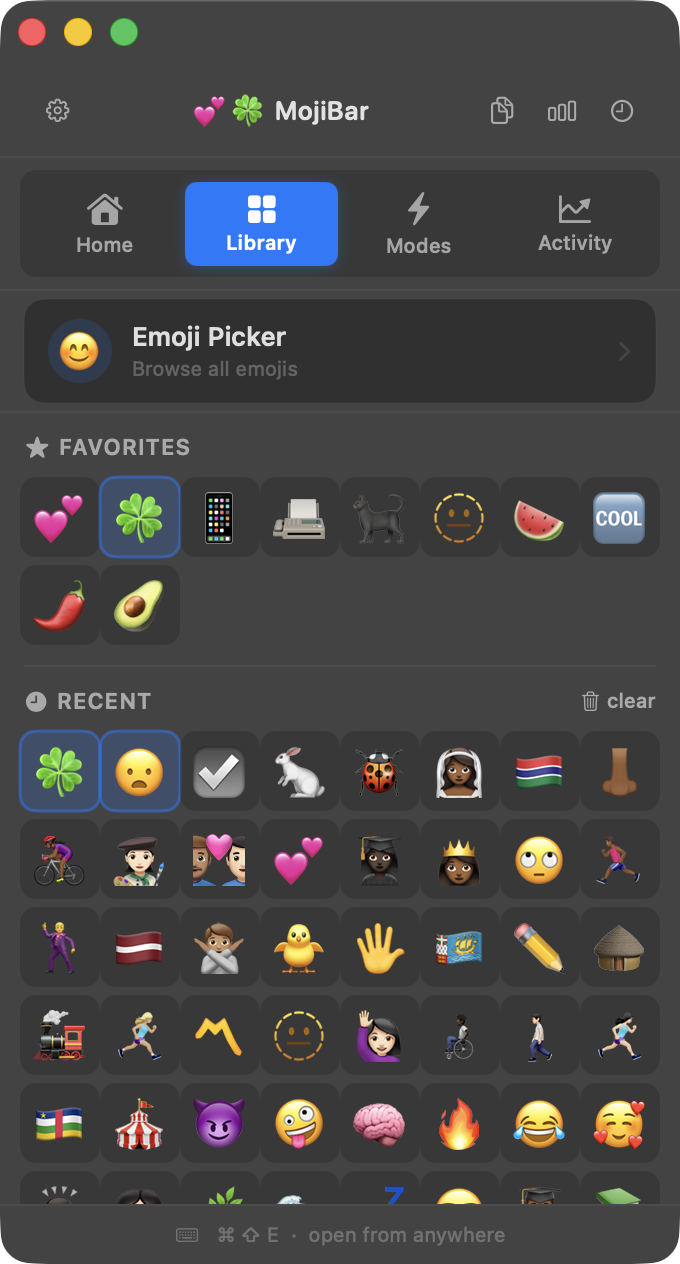
browse 3,600+ emojis, search by name, filter by category, or let daily, random, or vibe pick for you.
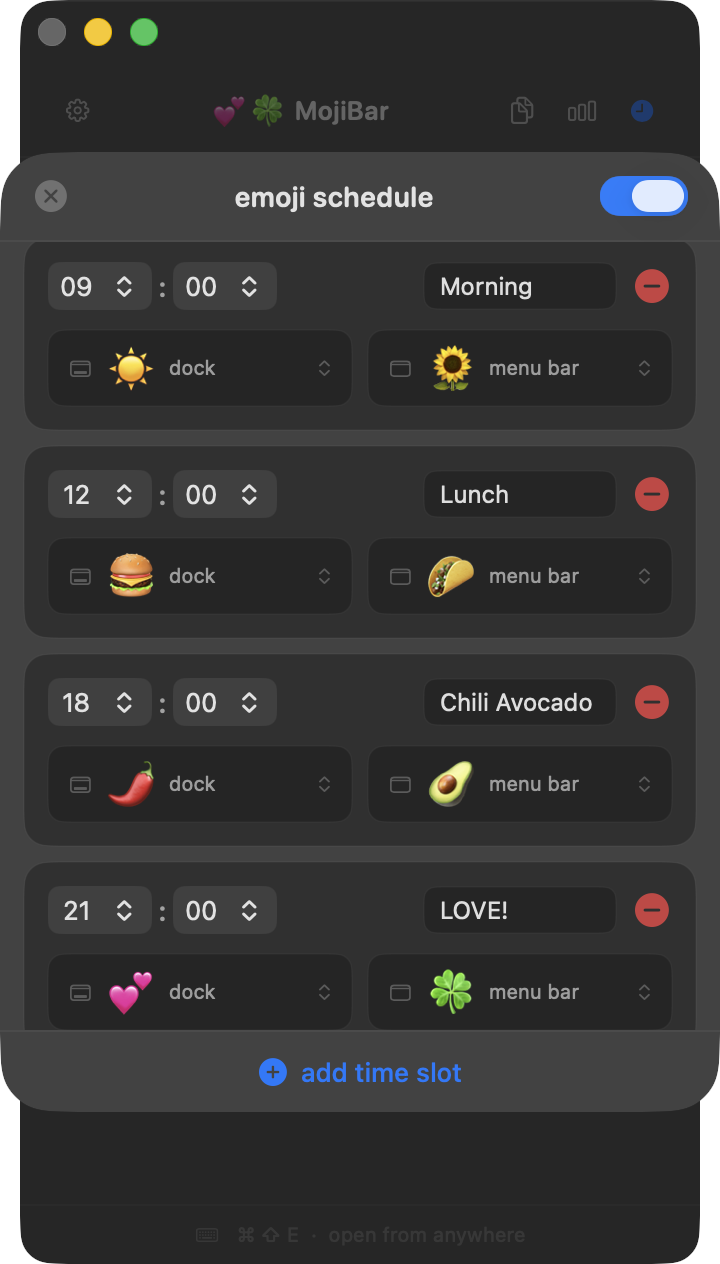
your dock and menu bar update instantly. schedule changes by time of day or swap them whenever the mood strikes.
MojiBar is small but mighty. packed with features that make your mac feel personal.
set independent emojis for your dock and menu bar icons
assigns a different random emoji to your dock and menu bar
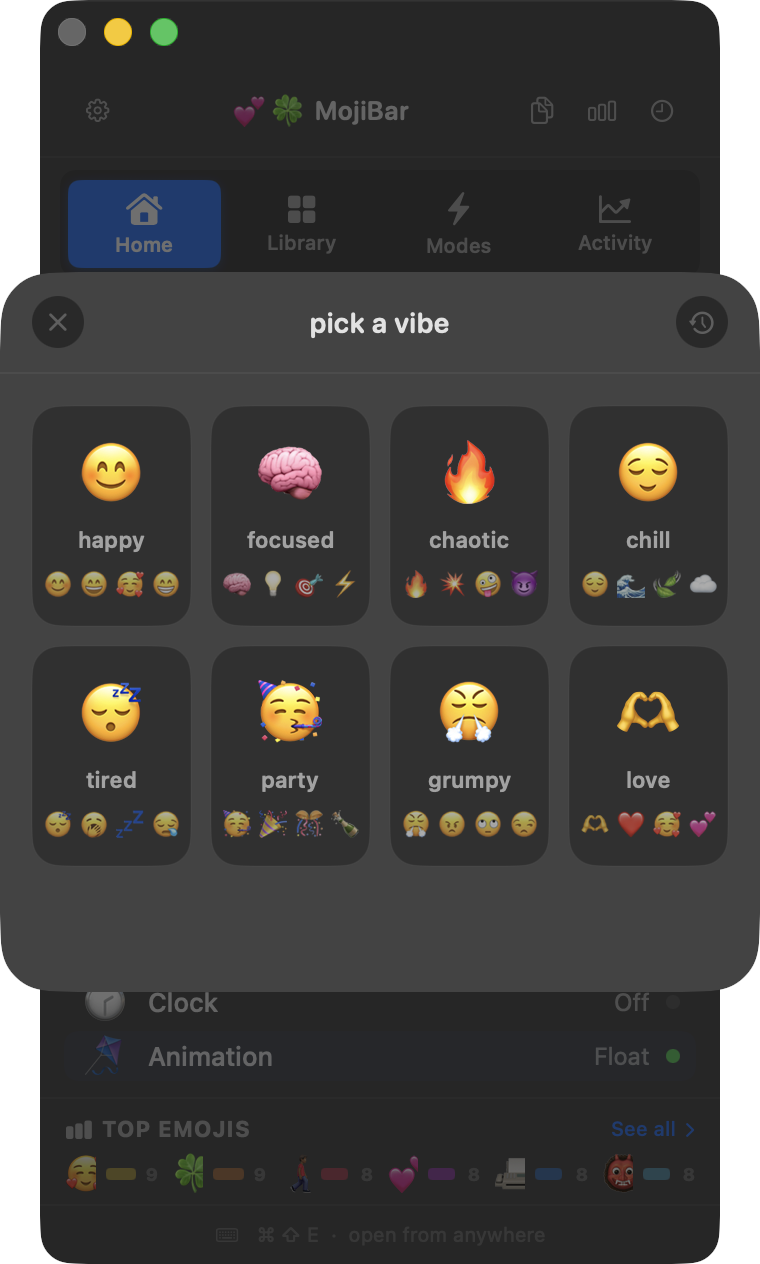
pick by mood — happy, focused, chaotic, chill, tired, party, grumpy, love
a fresh emoji suggestion every single day
star your go-to emojis for instant access
auto-switch emojis by time of day
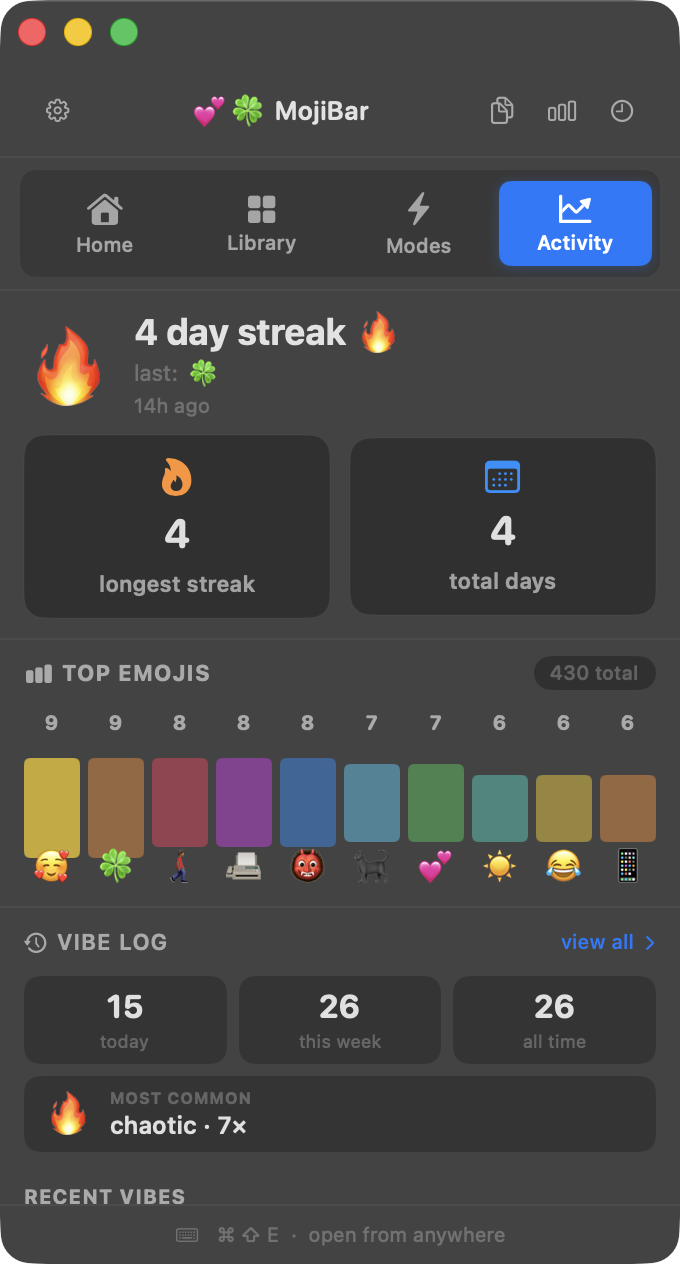
track your most picked emojis with a leaderboard
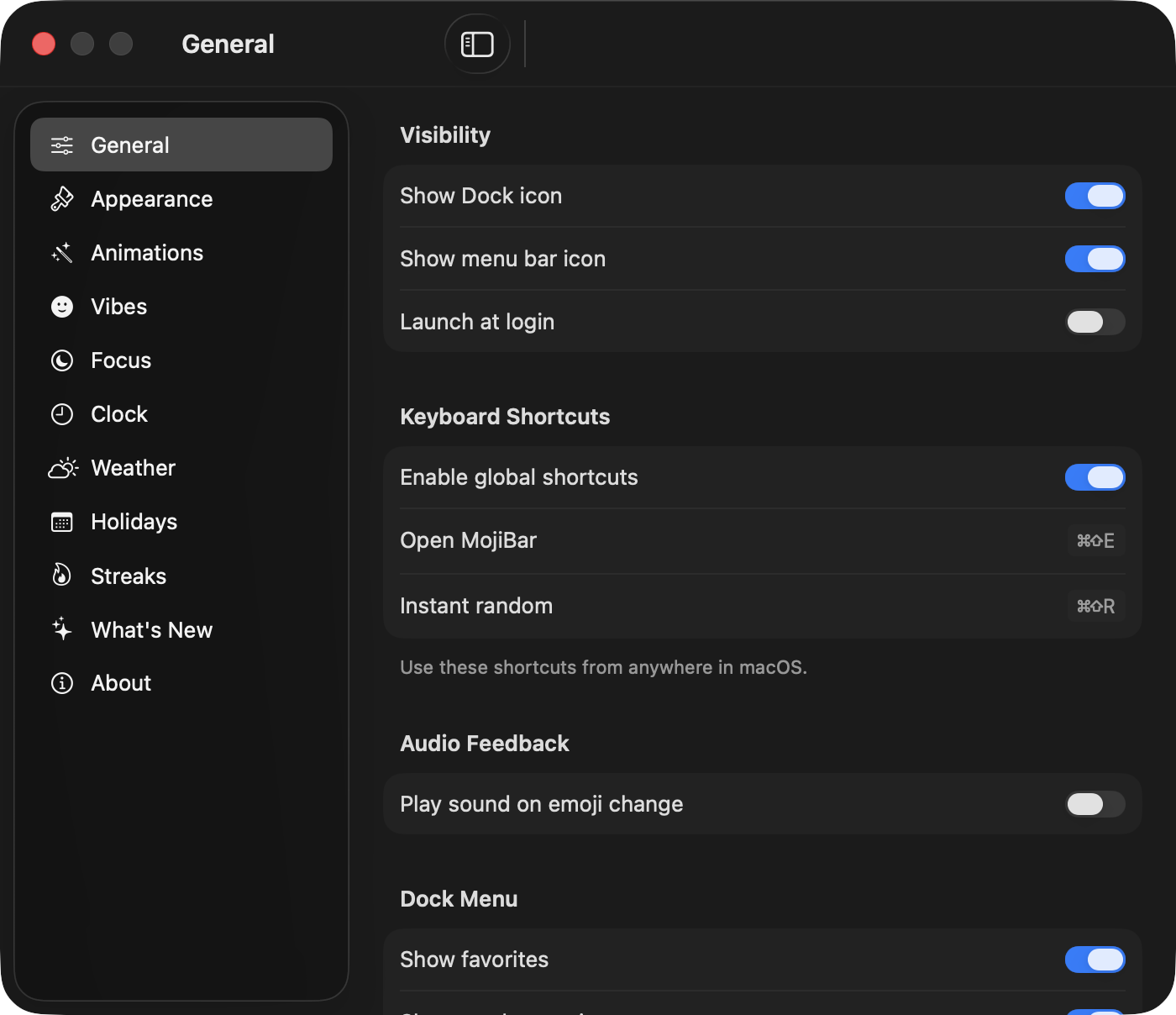
⌘ ⇧ E opens MojiBar, ⌘ ⇧ R randomizes instantly
emoji list fetched live from unicode.org
double-click any person emoji to pick a skin tone
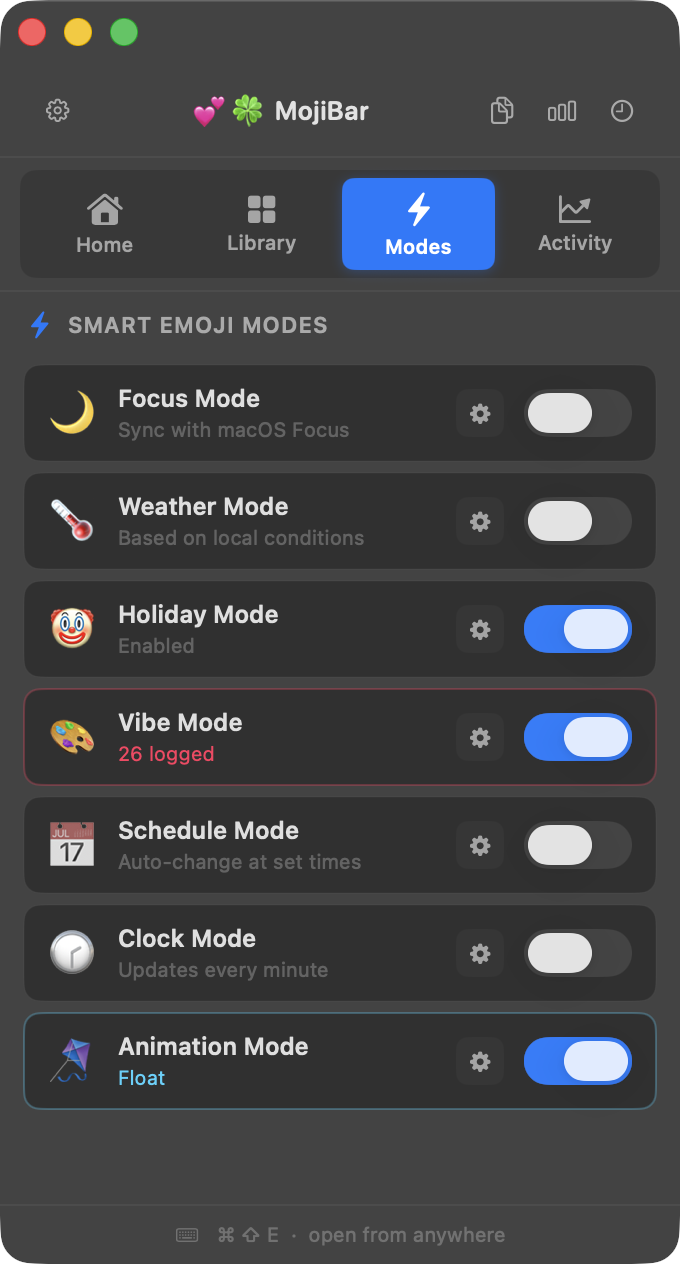
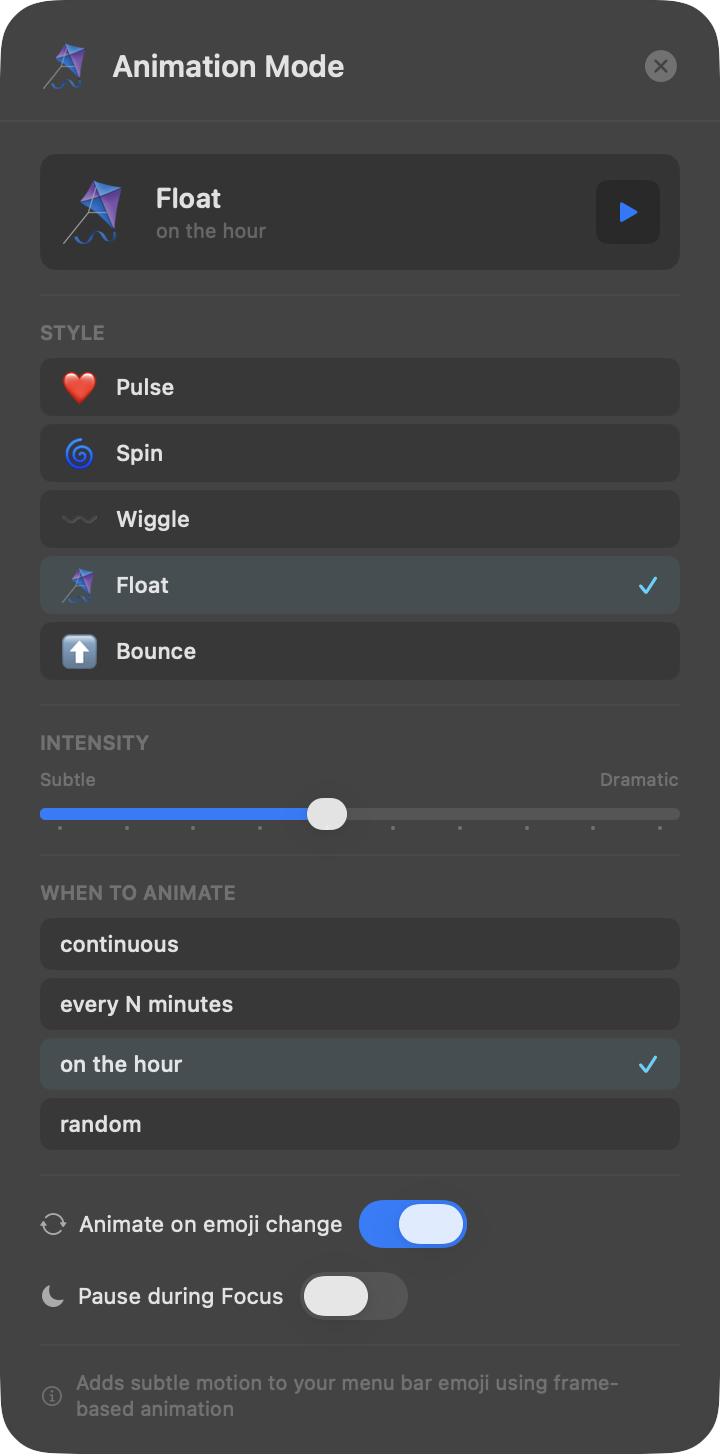
animate your menu bar icon — pulse, spin, wiggle, float, bounce
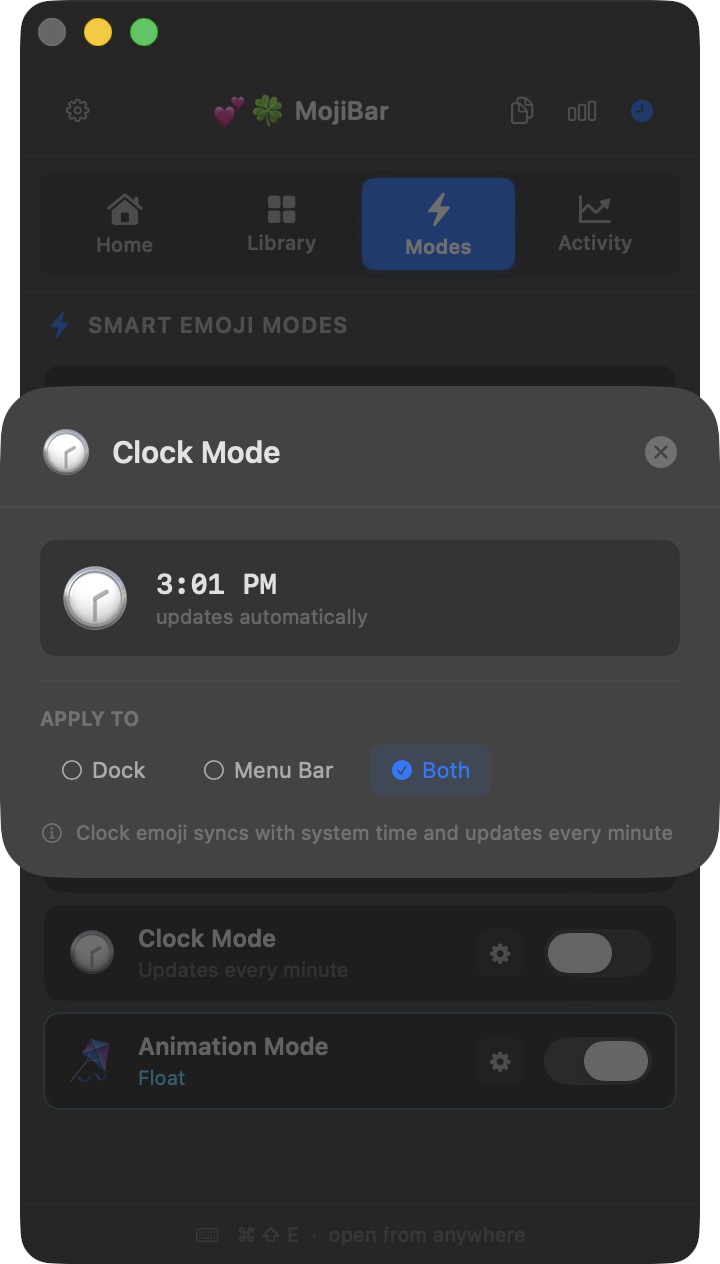
live clock face or sun/moon that tracks the time
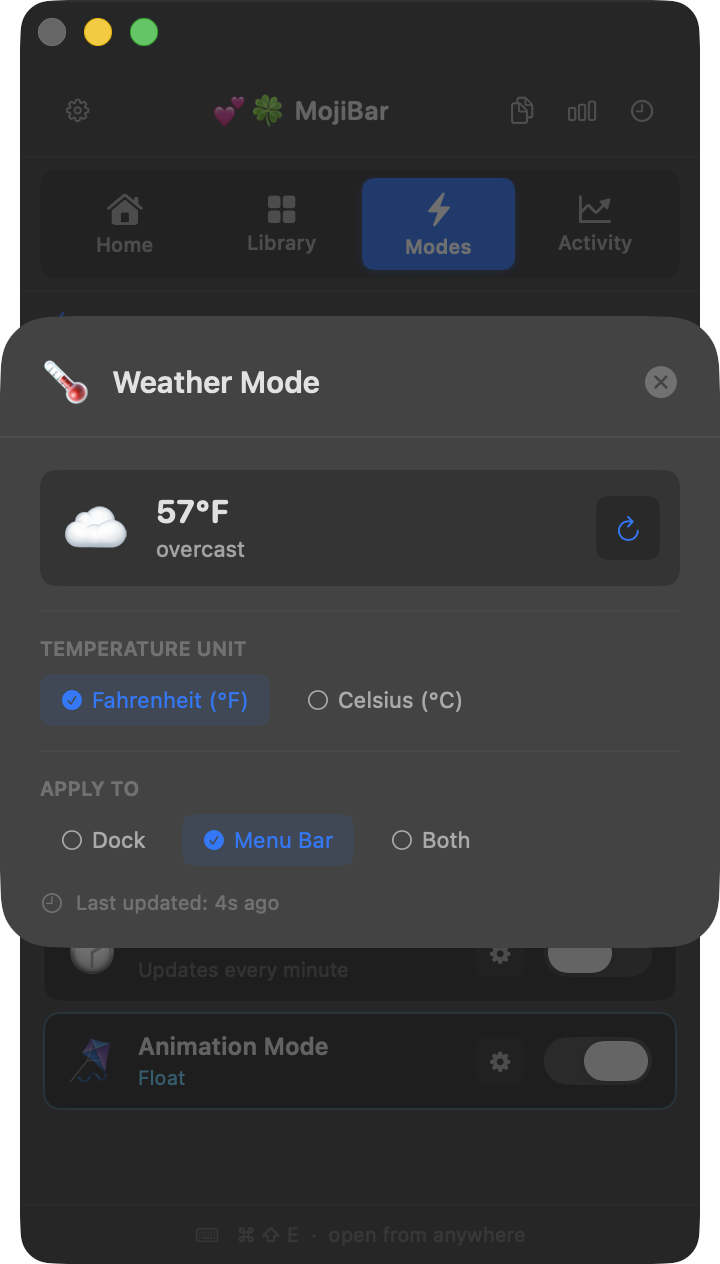
auto-set your emoji based on real local weather
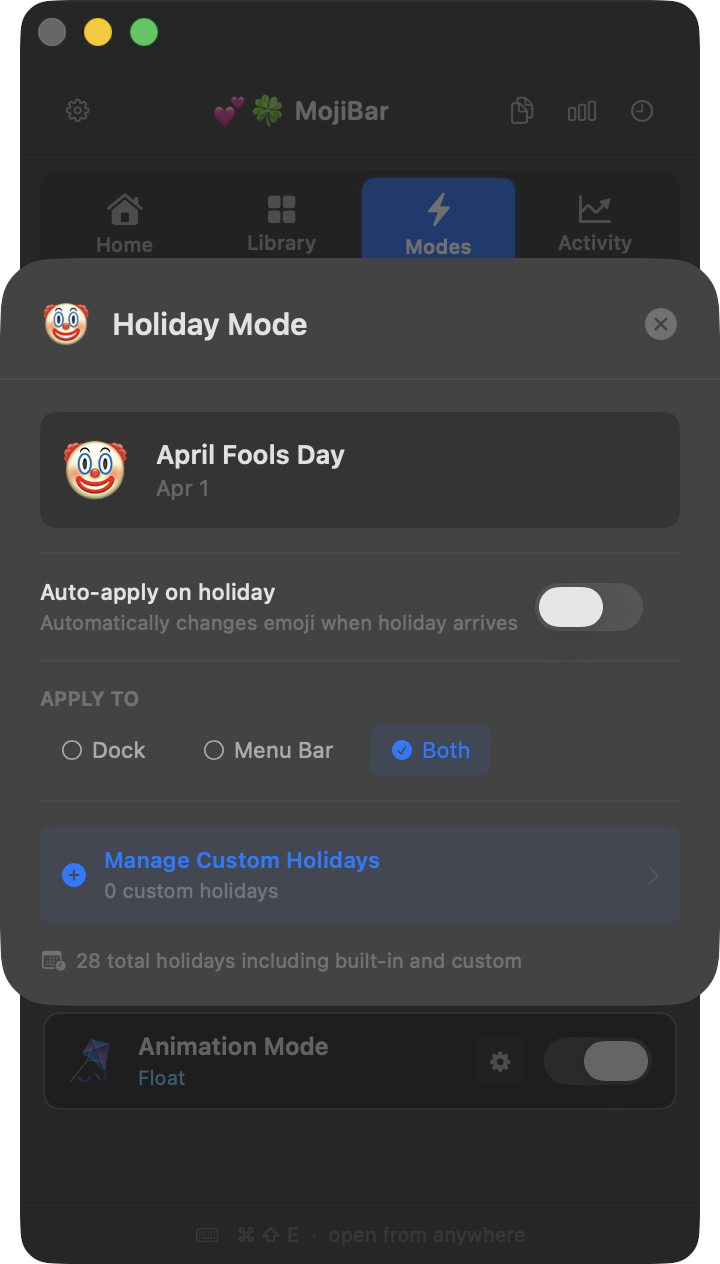
auto-switches for holidays and special dates
track your daily emoji streak and personal records
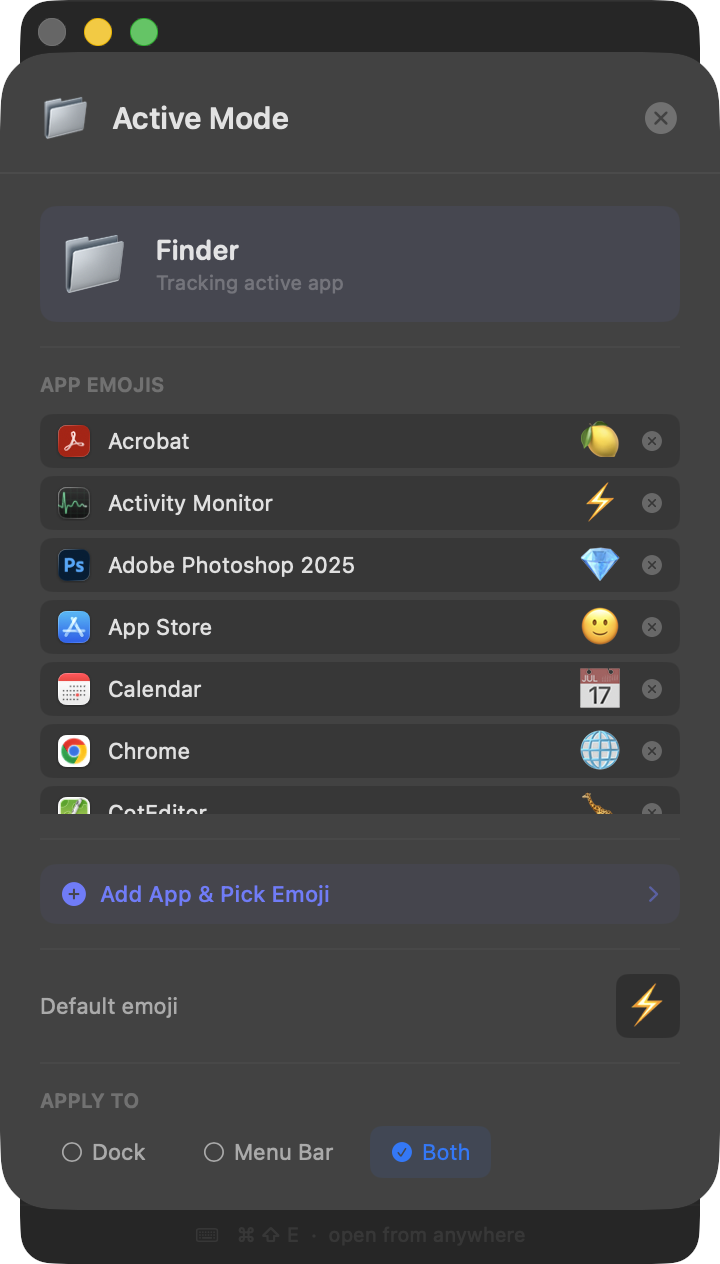
auto-switch emoji based on your active app
audio feedback when changing emojis — pick from Pop, Swoosh, Chime, or Boop
VoiceOver support for screen readers + localization-ready for any language
MojiBar is available on the App Store, no account required, and takes about 10 seconds to set up. your dock will never look boring again.
Download on the App StoremacOS 26+ · built with 💗